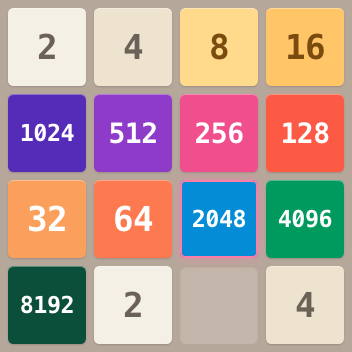
2048
Kacheln schieben, gleiche verschmelzen.
Claude Code starts working, a small window appears above your terminal, you make a move. Claude stops, one action is left, then it is gone.
One line in your terminal:
curl -fsSL https://hundredlabs.de/codingvibes/install.sh | bash Version 0.4.2 · macOS 11 or newer · Apple Silicon and Intel Rather click? The .dmg is here
Paste, hit enter. The script fetches the app, verifies its signature, puts it in Applications and starts it once — where it registers itself with Claude Code. No dialog, no System Settings.
Quit it once and open it again. Hooks and the search path are only read at session start — without the restart, nothing happens.
Once, in a fresh Claude terminal. The window opens with one question: play along automatically in every session? One click on "Immer automatisch" — and you will never need a command again.
No account, no connection. Every game keeps its state — if one is waiting, play another in the meantime.
Kacheln schieben, gleiche verschmelzen.
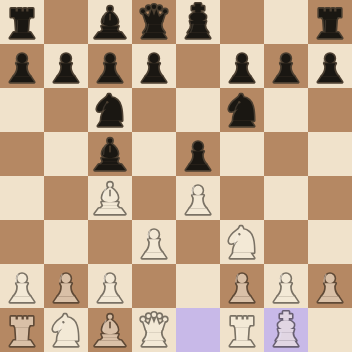
Schach gegen den Rechner.
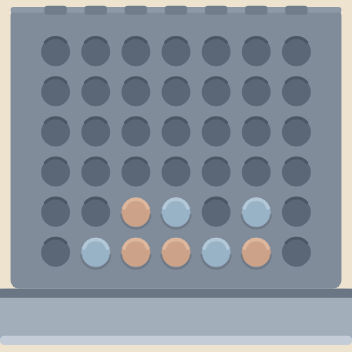
Vier in einer Reihe, gegen den Rechner.
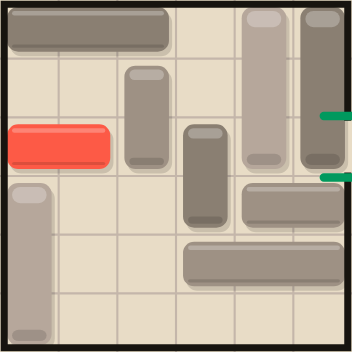
Den roten Balken zur Ausfahrt schieben.
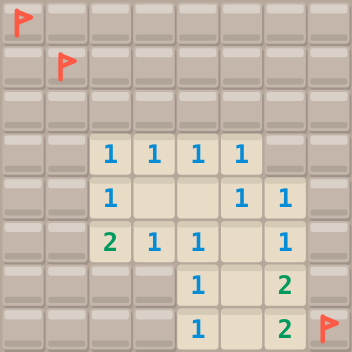
Minen finden, ohne zu raten.
Whatever a browser downloads gets marked as "from the internet", and macOS checks it against its approval list. This app is not on that list, so it blocks — once for the image, once for the app inside it. The command above does not work around that, it avoids it: what arrives via curl never carries the mark.
One line in your terminal:
curl -fsSL https://hundredlabs.de/codingvibes/install.sh | bash Version 0.4.2 · macOS 11 or newer · Apple Silicon and Intel Rather click? The .dmg is here
Ich messe anonymisiert, welche Seiten gelesen werden, um die Inhalte zu verbessern. Dazu wird ein Wiedererkennungsmerkmal im Browser gespeichert. Ohne Zustimmung passiert nichts.